
Chevron ripples, counted round by round.
- Pieces
- 1
- Stitch heads
- 6,616
- Rounds and rows
- 98
Starting and turning chains are counted separately. Dimension targets need a yarn sample.
From 3D form to crochet pattern
Shape a design on a figure or from a starter. LoopCraft translates it into rows you can count, see in 3D and make.
Sign in or request an account on the next page.
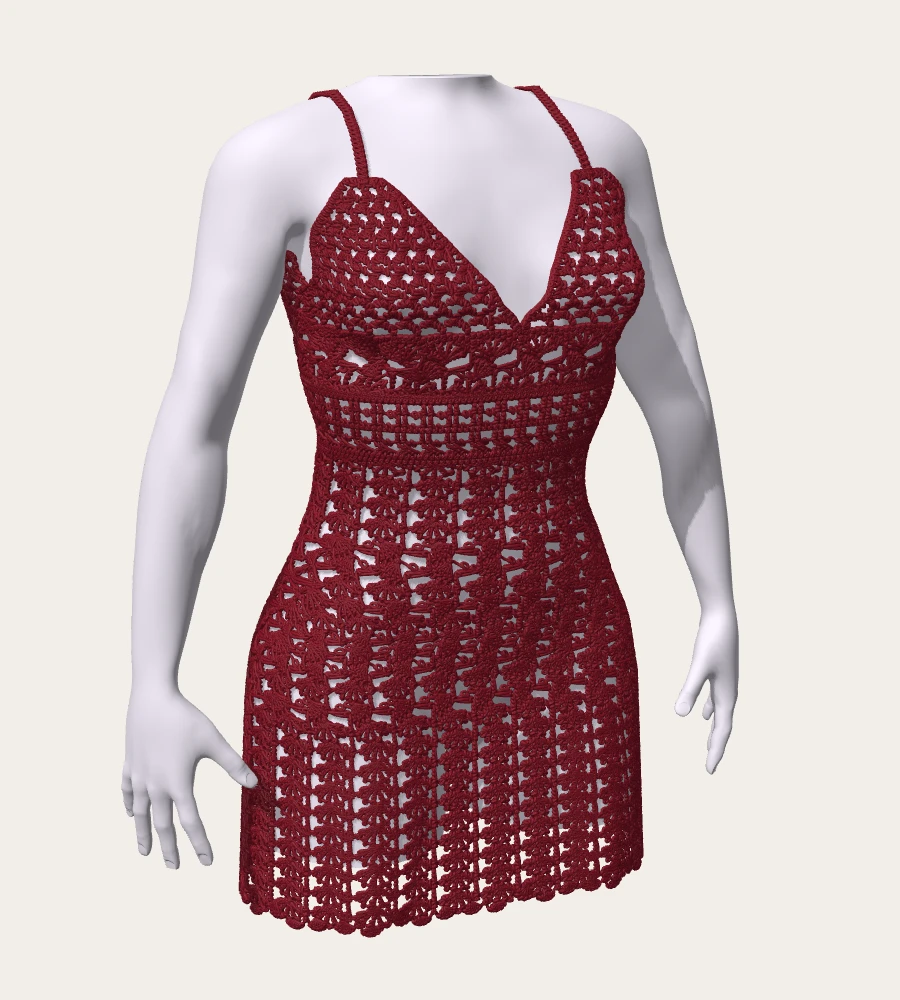
Drawn by LoopCraft from the counted pattern. Stretch, drape and fit need a swatch.
02 / Authored native examples
Four Studio starters, each from its counted plan to its actual Studio render and Make instructions. Choose one to compare.
Starting and turning chains are counted separately. Dimension targets need a yarn sample.
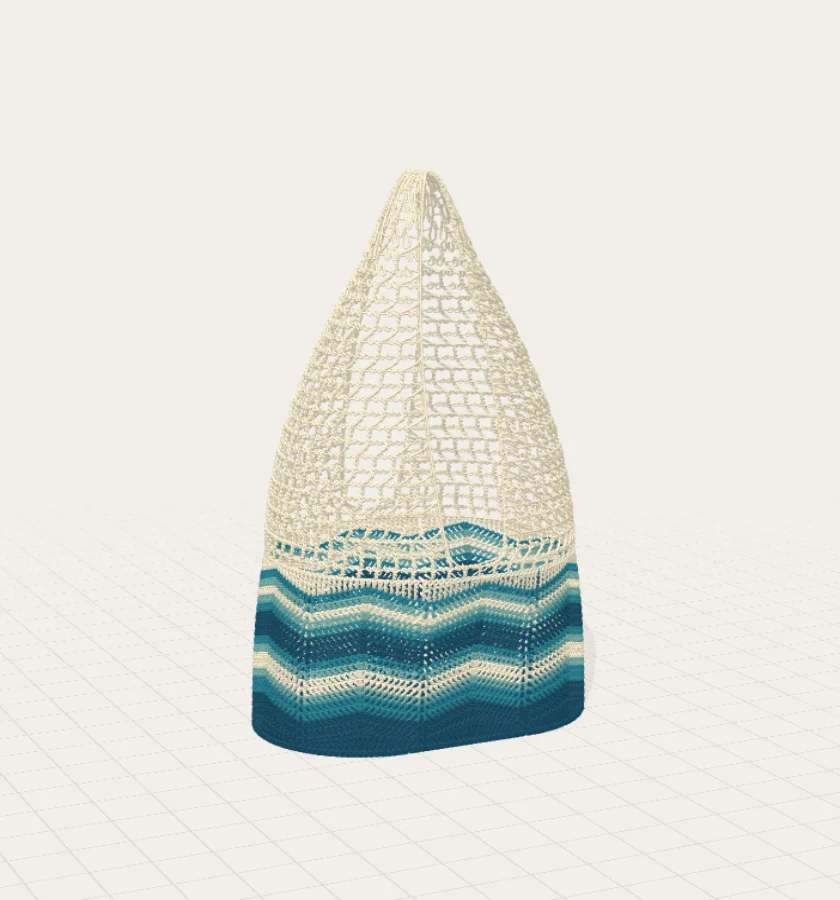
This preview never loads or changes your Studio project.
Ocean Waves / round 23
Ch 3, keeping the round-start marker fixed. (Dc2tog over next 2 bases, dc in next 8, 3 dc in next base, dc in next 8, dc2tog over next 2 bases) × 8. Join to first completed dc2tog. Each repeat consumes and produces 21 heads. [168 stitches; 3 rise chains excluded] Keep the same marked peaks and valleys on every round.
One excerpt. The complete Studio plan includes every piece, join and finishing step.
Open the studioRecorded Studio starters, not automatic model results or a live editor. Native geometry and counted instructions still need physical sampling; fit and strength are untested.
03 A practice in possibility
Begin with a shape. See how stitch and color change its character. LoopCraft keeps the construction in view as the design takes form.
Start from a project shape or an open canvas. Adjust its proportions and details.
Form / exploreExplore supported stitches and colors, then inspect how they change the surface.
Stitch / exploreKeep the working order, stitch totals and shaping notes beside the design.
Plan / reviewMove into the making workspace for counted rounds and practical guidance.
Make / step by step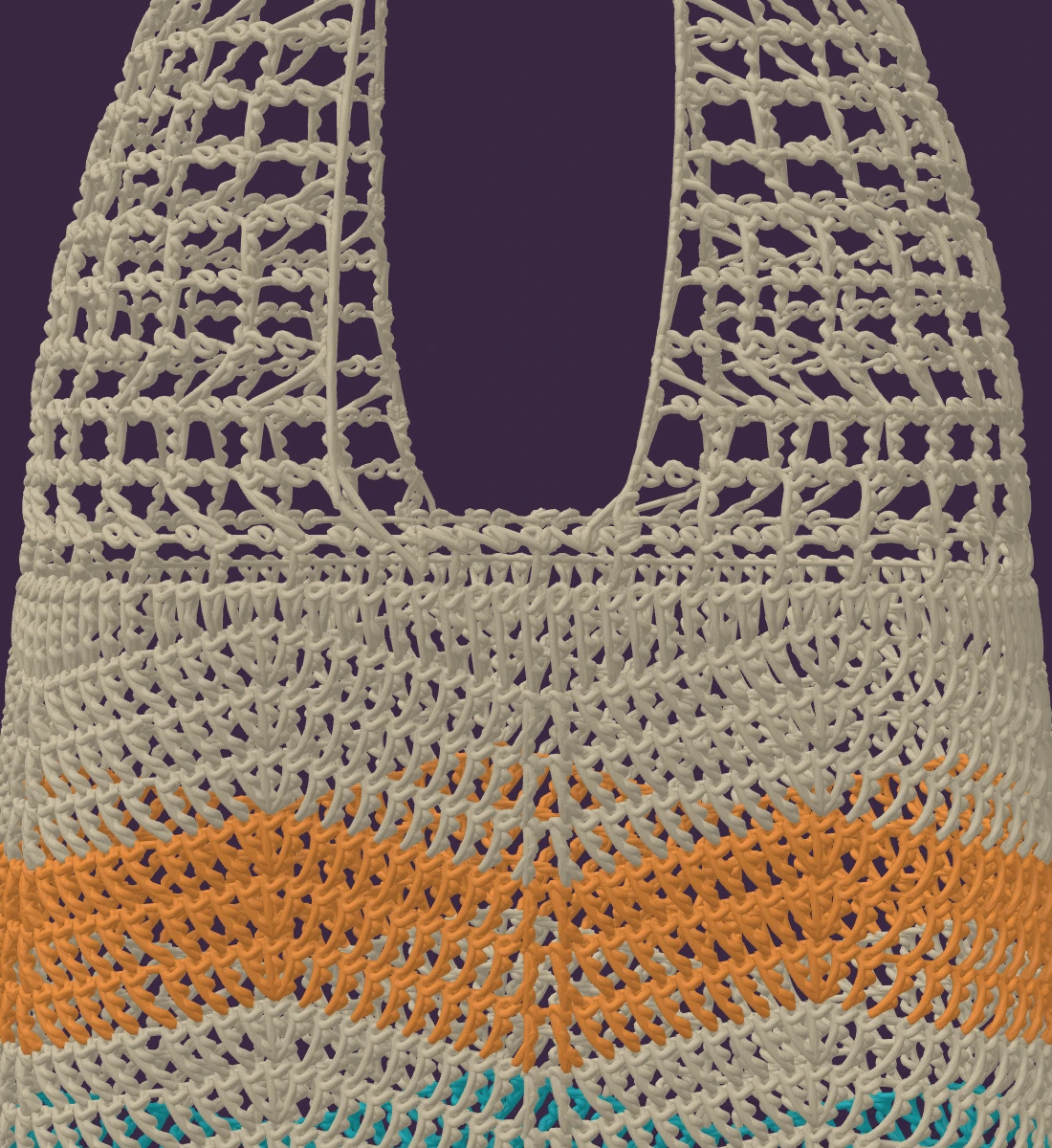
Native stitch-detail render / Ocean Waves reference
04 The pattern has a pulse
LoopCraft keeps the design close to its construction. In this Ocean Waves study, the body repeat and stitch totals come from its counted reference recipe.
Counts describe this reference design. New shapes need their own construction review and yarn sampling.
05 Your hook. Your call.